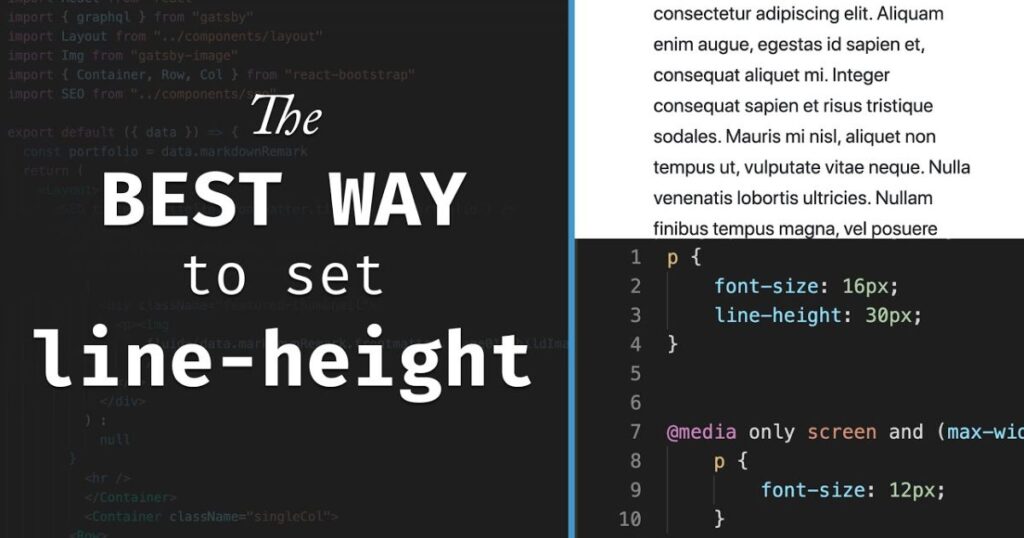
Line-height is a CSS property that sets the space above and below text lines. It makes your content easier to read and gives a neat look to paragraphs. Using proper line-height improves typography on websites.
This property works for inline elements and inline-block elements. It also helps maintain a smooth vertical rhythm, keeping text balanced and readable on all screens.
How Line-Height Works
You can set line-height using numbers, percentages, lengths, or keywords like normal. For example, line-height: 1.5; increases space between lines based on the font-size.
Browsers calculate line-height depending on the element’s font size. Using percentages or unitless values lets child elements inherit line spacing naturally without breaking layouts.
Unitless Line Heights
A unitless line-height is just a number without px, em, or %. For example, line-height: 1.5; adjusts automatically if the font-size changes.
Unitless values are recommended for responsive designs. They keep vertical rhythm consistent, and child elements can compute their own spacing based on their font-size.
Font Properties and Line-Height
font
The font shorthand sets font size and family, which affects line-height. For example, font: 16px Arial; line-height: 1.5; gives clean spacing and readable text.
Using font correctly with line-height ensures your text looks even and professional across all paragraphs.
font-family
Different font-family styles affect text height and how lines look. Adjust line-height to match your chosen font-family for better readability.
Testing fonts is important. Some fonts appear taller or shorter, so spacing must adapt to keep text clear.
font-size
The font-size directly changes the needed line-height. Bigger fonts need more space between lines, and smaller fonts need less.
Setting font-size with proper line-height makes paragraphs comfortable to read and keeps content visually balanced.
font-stretch
Font-stretch changes how wide characters appear. While small, it can slightly affect line-height and text flow.
Check spacing when using stretched fonts to avoid cramped or uneven lines.
font-style
Italic or oblique text changes line appearance. Adjust line-height so styled text fits well with other lines.
Proper spacing prevents overlapping lines and keeps paragraphs clean.
font-variant
Using small caps or alternate styles with font-variant changes text height. Adjust line-height to keep lines evenly spaced.
Maintaining consistent spacing ensures text looks uniform and readable.
font-variant-numeric
Numeric variants like lining numbers may appear taller. Set line-height carefully to keep tables and numbers aligned.
This keeps digits from breaking the flow of paragraphs or headings.
font-weight
Bold or light text looks taller or shorter, affecting line-height visually. Adjust spacing to maintain consistent vertical rhythm.
Balancing font-weight and line-height keeps headings and text blocks clean.
Browser Support
Line-height works in all modern browsers like Chrome, Firefox, Safari, and Edge. Unitless, percentage, and pixel values display consistently.
Older browsers like IE6/7 may miscalculate line-height for inline elements like form controls. Testing ensures text spacing looks correct everywhere.
Conclusion
Line-height is essential for readable and balanced text. Using unitless line heights allows spacing to adjust automatically with font-size. Combining it with proper font-family, font-style, and font-weight ensures smooth, professional layouts.
Testing across browsers keeps spacing consistent, while related concepts like leading and vertical rhythm make your content easier to read. Applying these practices improves user experience, accessibility, and design quality, helping your website look clean and polished.
FAQ’s
What is the best unit for line-height in CSS?
Unitless values are best. They scale with font-size and ensure consistent spacing across child elements naturally.
How does line-height affect readability?
Increasing line-height prevents cramped lines, improving text readability and making content easier to scan and read.
Can font-family change line-height visually?
Yes. Different font-family types have varied heights, affecting line spacing. Adjust spacing to match the font used.
Is line-height supported in all browsers?
Modern browsers fully support line-height, but older ones like IE6/7 may miscalculate inline or replaced elements.
What is the difference between unitless and fixed line-height?
Unitless line-height scales with font-size, while fixed values may break responsive layouts and need manual adjustment.